
Host Your Web Projects for Free: A Practical Guide for Students and Developers
- Published on
- /4 mins read/––– views
Introduction
As a developer, building projects is only half the journey... hosting them online is what turns them into something real and shareable.
Whether you’re building a personal portfolio, an API, or a full-stack app, there are several completely free platforms that let you deploy and manage your projects professionally.
Here’s how you can set up your domain, frontend, backend, and database , all without spending a rupee.
1. Get a Free Domain with GitHub Student Pack + Namecheap
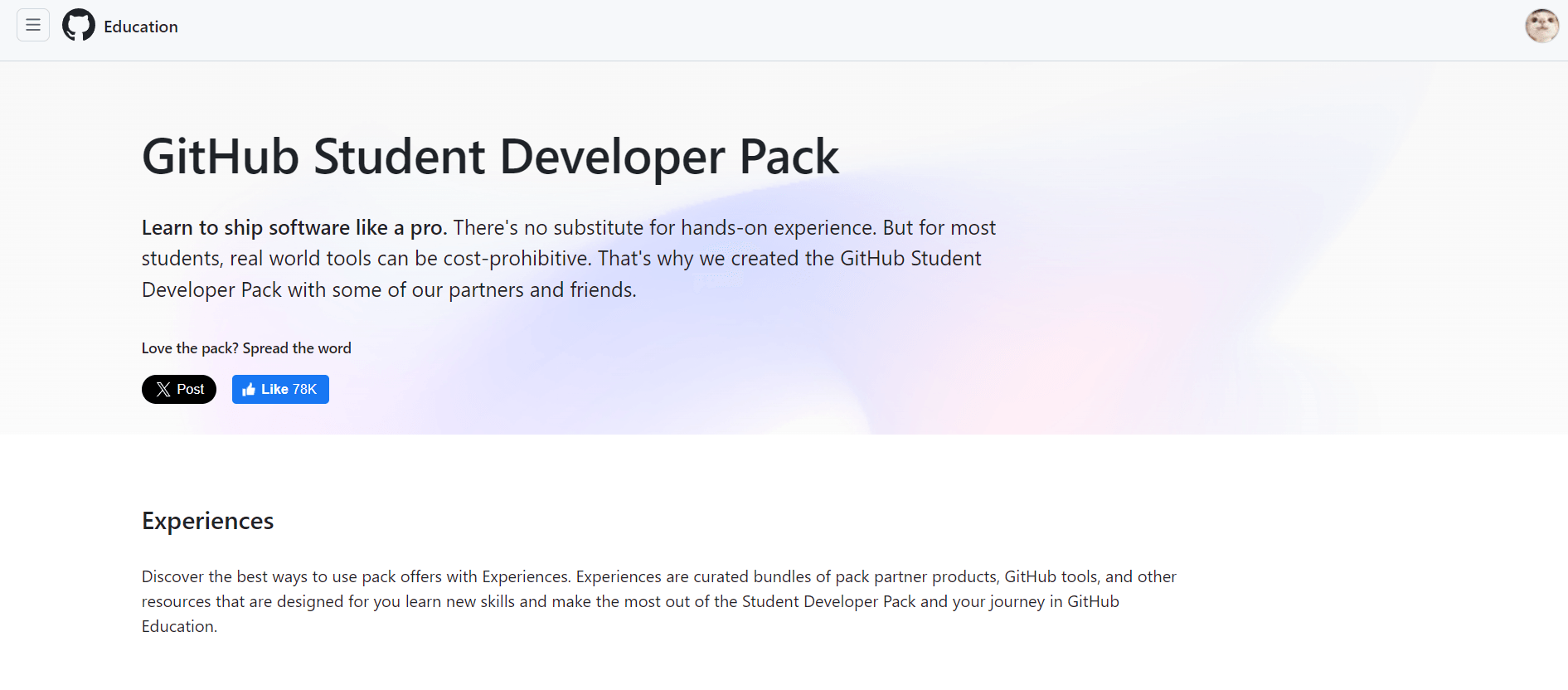
If you’re a student, start with the GitHub Student Developer Pack.
It gives you access to dozens of premium tools, including a free .me domain for one year from Namecheap.
You can claim it, choose your own domain (like yourname.me), and connect it to any hosting platform such as Vercel or Render.
It’s the easiest way to make your projects look professional right from the start.
2. Hosting Your Frontend
Your frontend whether it’s built with React, Next.js, or plain HTML/CSS can be hosted on popular free platforms like:
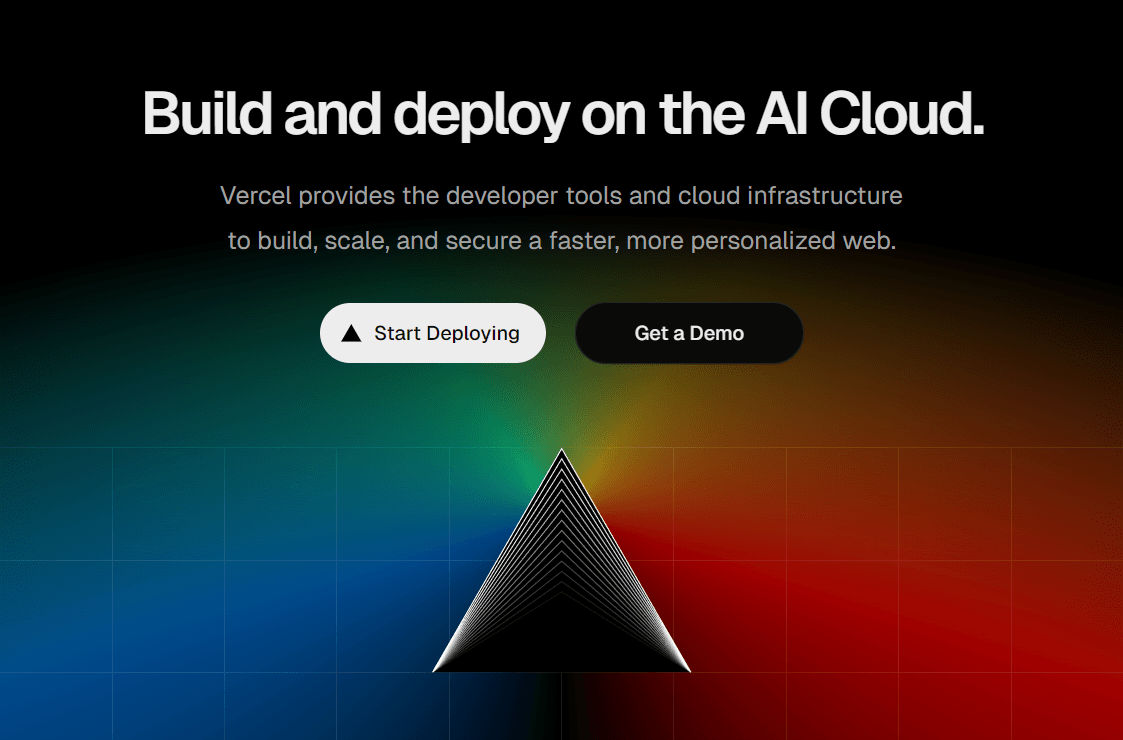
- Vercel — best for React and Next.js
- Netlify — great for static sites
- GitHub Pages — ideal for portfolios or documentation
All of them support automatic deployments directly from GitHub.
Every time you push a change, your site updates instantly.
You can also link your custom domain from Namecheap to make it public under your .me domain.
3. Hosting Your Backend
For your backend (like Node.js, Flask, Go, or Django APIs), there are great free-tier options:
- Render – simple GitHub integration and free SSL
- Railway.app – free monthly runtime, great for APIs
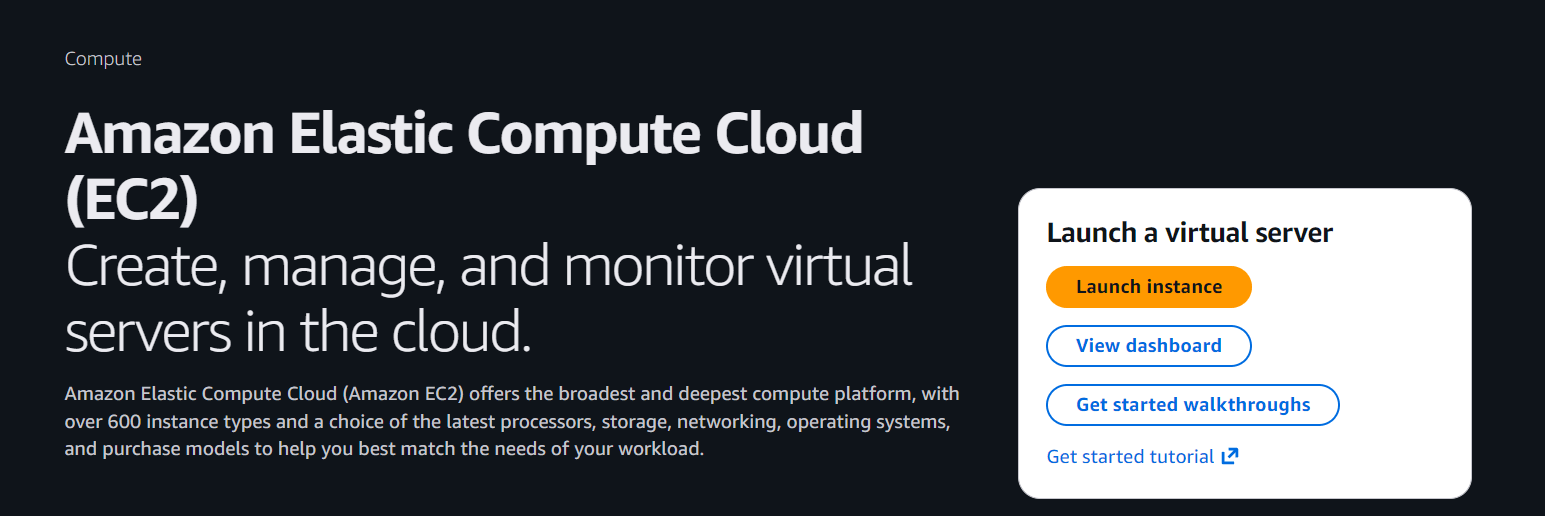
- AWS EC2 (Free Tier) – gives you one small cloud server free for a year, running 24/7.
😅 Heads Up: AWS Free Tier is like a cat... friendly when calm, but scratchy if you forget to shut things down. Keep an eye on your dashboard and check your usage once in a while 🙃.!
These platforms let you deploy APIs or backend services that your frontend can connect to.
You can later map them under subdomains like api.yourname.me.
💡Pro Tip: Render may pause your backend service after ~15 minutes of inactivity, hence setting up cron-jobs can help your backend stay active all the time 😉.
4. Free Databases and Storage
No project is complete without a place to store data or files.
Here are a few developer-friendly services with generous free tiers:
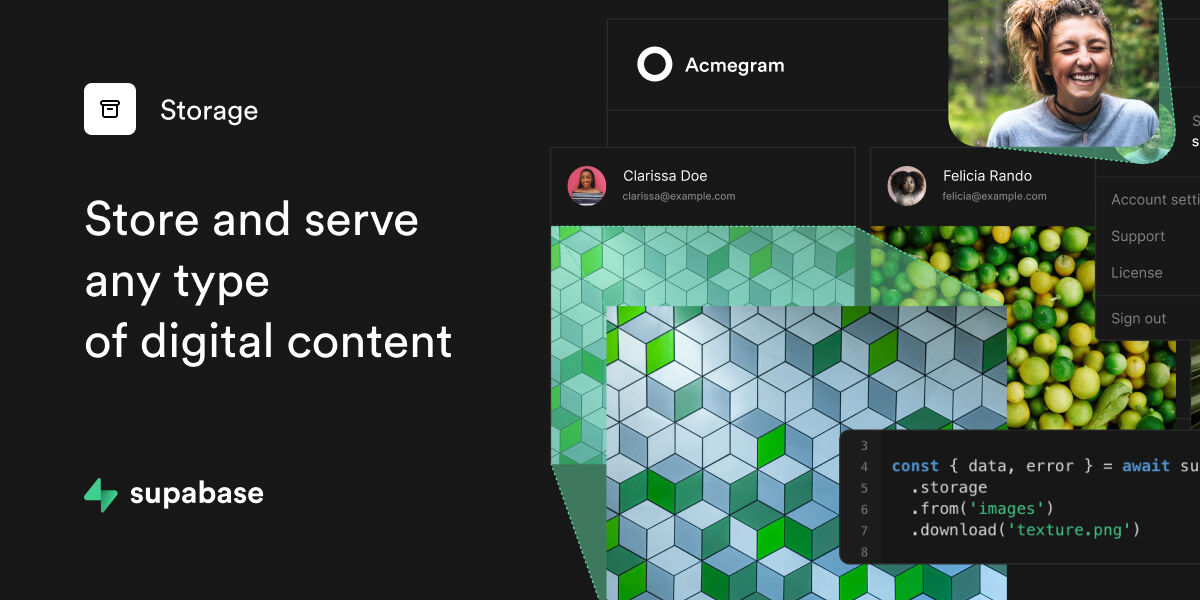
- Supabase – Free Postgres database + authentication + file storage
- MongoDB Atlas – Free 512MB cluster
- Firebase – Realtime DB, Firestore, and file storage for small projects
You can use these databases to store user data, form submissions, or uploaded files ,all while keeping your project fully free.
5. Some More Useful Tools
Here are a few more free tools that make your hosting setup complete:
| Tool | Purpose |
|---|---|
| Mailjet / Resend | Send emails or newsletters |
| UptimeRobot | Monitor if your site or API is online |
| n8n | Automate workflows (e.g., send emails, backup data) |
| GitHub Actions | Automate builds and deployments |
| Umami / Google Analytics | Website traffic analytics |
These are optional, but they help you manage your projects like a pro.
My Recommended Stack
| Component | Platform | Use |
|---|---|---|
| Domain | Namecheap (.me via GitHub Pack) | yourname.me |
| Frontend | Vercel | React/Next.js app |
| Backend | Render with cron-job | Node.js/Python/Go/Rust |
| Database | Supabase | Auth + Databse + Storage |
| Server | AWS EC2 | Experimental app |
| Mailjet | Newsletters or auth emails |
This setup covers everything including frontend, backend, domain, database, and even automation, all hosted completely free.
Final Thoughts
Hosting doesn’t have to be expensive or complicated.
With just a few free tools like GitHub Student Pack, Vercel, Render, AWS Free Tier, and Supabase, you can deploy a fully working web app with your own domain, database, and APIs.
Whether you’re building your portfolio, a side project, or your next startup idea , start deploying it online. It’s the best way to learn, experiment, and showcase your work to the world.